Office Printer Paper Jam Simulator
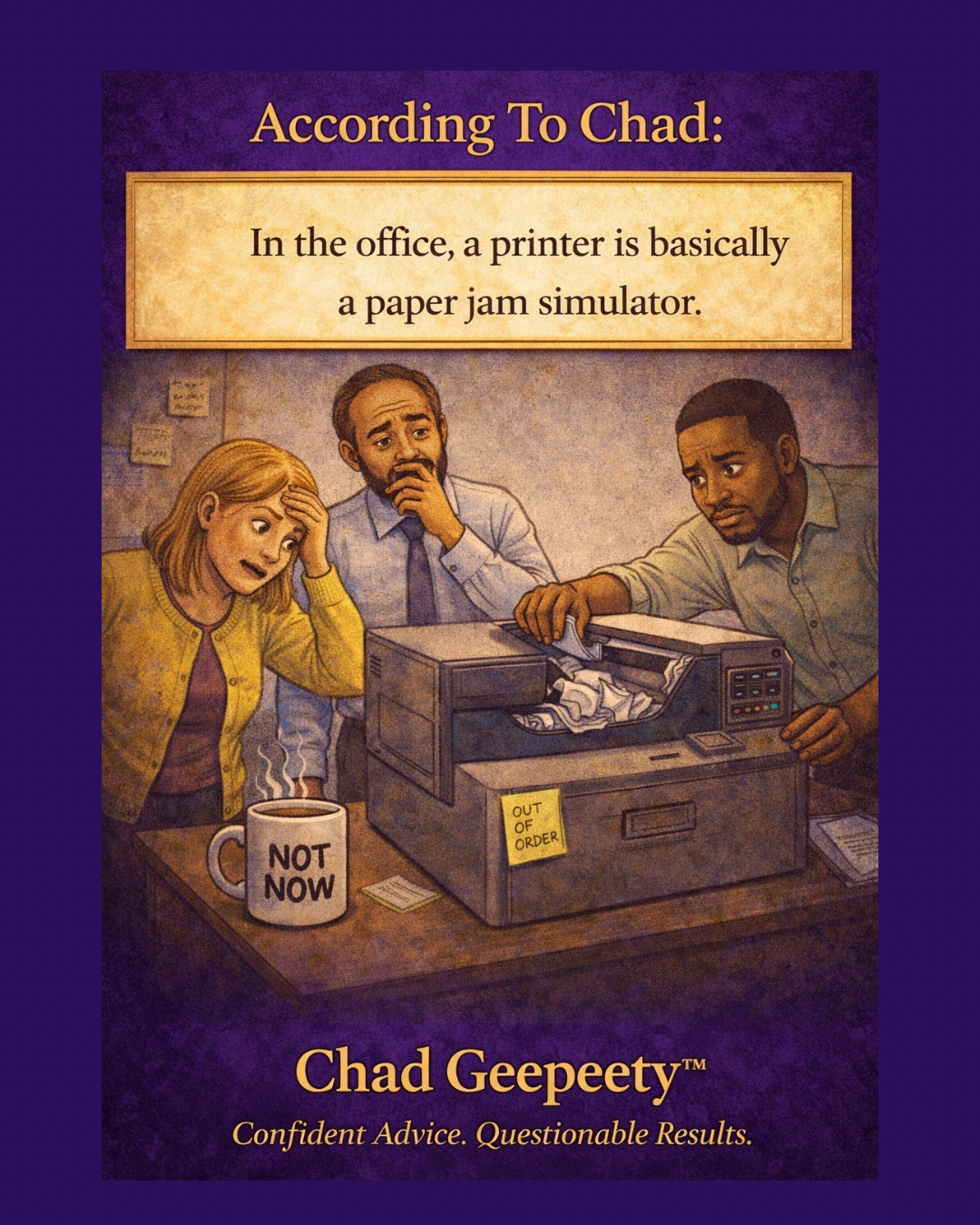
In the office, printers don’t produce documents—they simulate paper jams with impressive consistency. What should be a simple task turns into a full troubleshooting ritual, complete with blinking lights, vague error messages, and the universal instinct to open every compartment and hope for the best. For all the advances in AI, automation, and smart devices, the office printer still operates like it’s powered by confusion and mild resentment.
This is the kind of everyday tech frustration that somehow survives every software update and “improved” interface. Systems get smarter, menus get cleaner, and yet the core experience remains unchanged: nothing works until you’ve tried everything. It’s the same logic that keeps IT departments busy and users second-guessing themselves (see https://www.chadgeepeety.com/cartoons/software-updates-fix-nothing). And when the solution finally appears, it usually involves doing the exact thing you already tried—just with more confidence.
Even in a world of apps, algorithms, and seamless digital workflows, the printer stands firm as a reminder that progress is optional. It’s not broken—it’s just performing its primary function: slowing everything down. Kind of like Wi-Fi when you actually need it (see https://www.chadgeepeety.com/cartoons/fast-wi-fi-slow-printer).
It’s not a malfunction. It’s a feature.
Explore more Chad Geepeety™ cartoons about AI, tech, and the everyday problems that upgrades somehow make worse.