Senior Mode Explained Simply

Senior mode is what happens when technology finally admits it’s confusing.
Modern apps, devices, and AI systems are built with layers of features, menus, and updates that assume users want more complexity, not less. Then someone flips on “senior mode,” and suddenly everything gets bigger, simpler, and actually usable. It’s not new technology—it’s just the same system removing the unnecessary chaos it created in the first place. In other words, the smartest feature is the one that undoes everything the developers added (see Turn It Off And On Again @ https://www.chadgeepeety.com/cartoons/turn-it-off-and-on-again).
AI and algorithms are supposed to learn from behavior, but most digital products still default to overengineering. Smart devices demand Wi-Fi, constant updates, passwords, and attention, all while claiming to simplify your life. Senior mode quietly exposes the truth: people don’t want more features—they want fewer problems. The system already knows how to be simple. It just doesn’t lead with it.
At this point, senior mode isn’t a feature—it’s a confession.
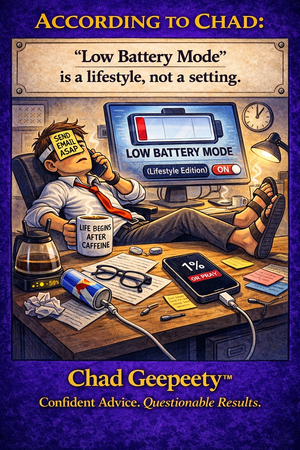
According to Chad, if you need a special setting to make tech usable, the default setting was the problem (see Low Battery Mode Lifestyle @ https://www.chadgeepeety.com/cartoons/low-battery-mode-lifestyle).
Explore more Chad Geepeety™ cartoons about AI, tech, and the everyday problems that upgrades somehow make worse.